LISTING PHOTOS → PROPERTY FILMSMADE WITH REELTOURS

STILL PHOTOS.
BIG
ENERGY.

Your next listing, in motion.
Turn property photos into films with a point of view.

03 / A NEW PERSPECTIVE
01 / DESERT LIGHT
PHOTOS
IN.
FILMS
OUT. ↗

For agents, photographers
and people who see the potential.

ROLL THE FILM ↓

FROM STILL
TO STOP-SCROLLING.

  1. 01 / THE ORIGINAL
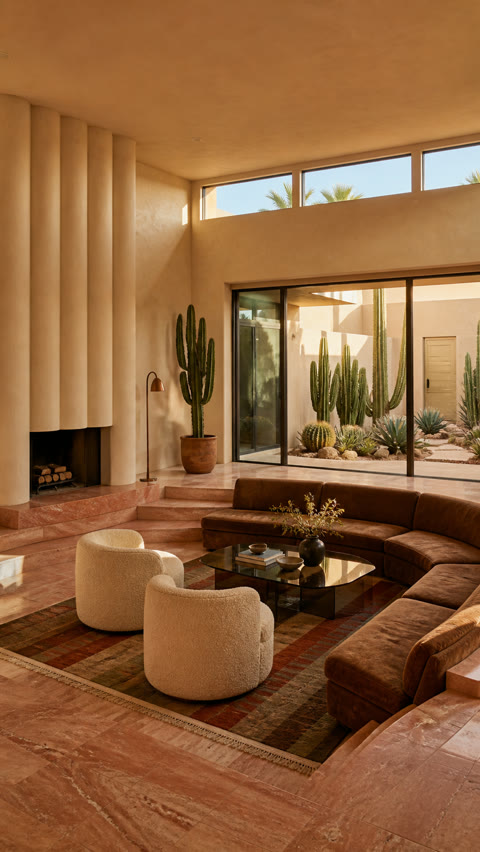
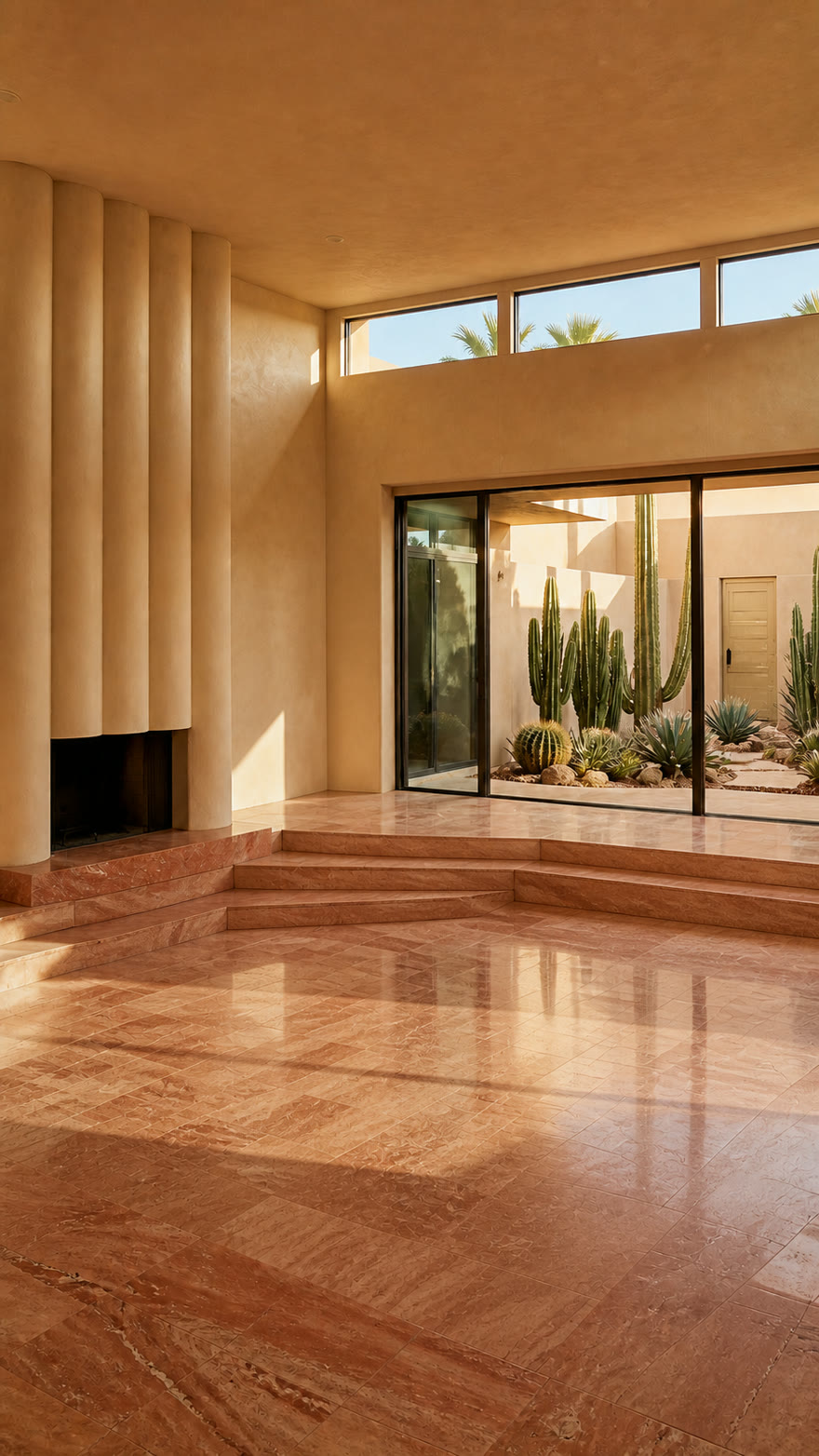
    Empty desert lounge before virtual staging
    The starting photo. No furniture.

    START WITH
    AN EMPTY ROOM.

    Upload a clear photo. This is the room we’ll furnish and bring to life in the next step.

  2. 02 / THE SAME ROOM
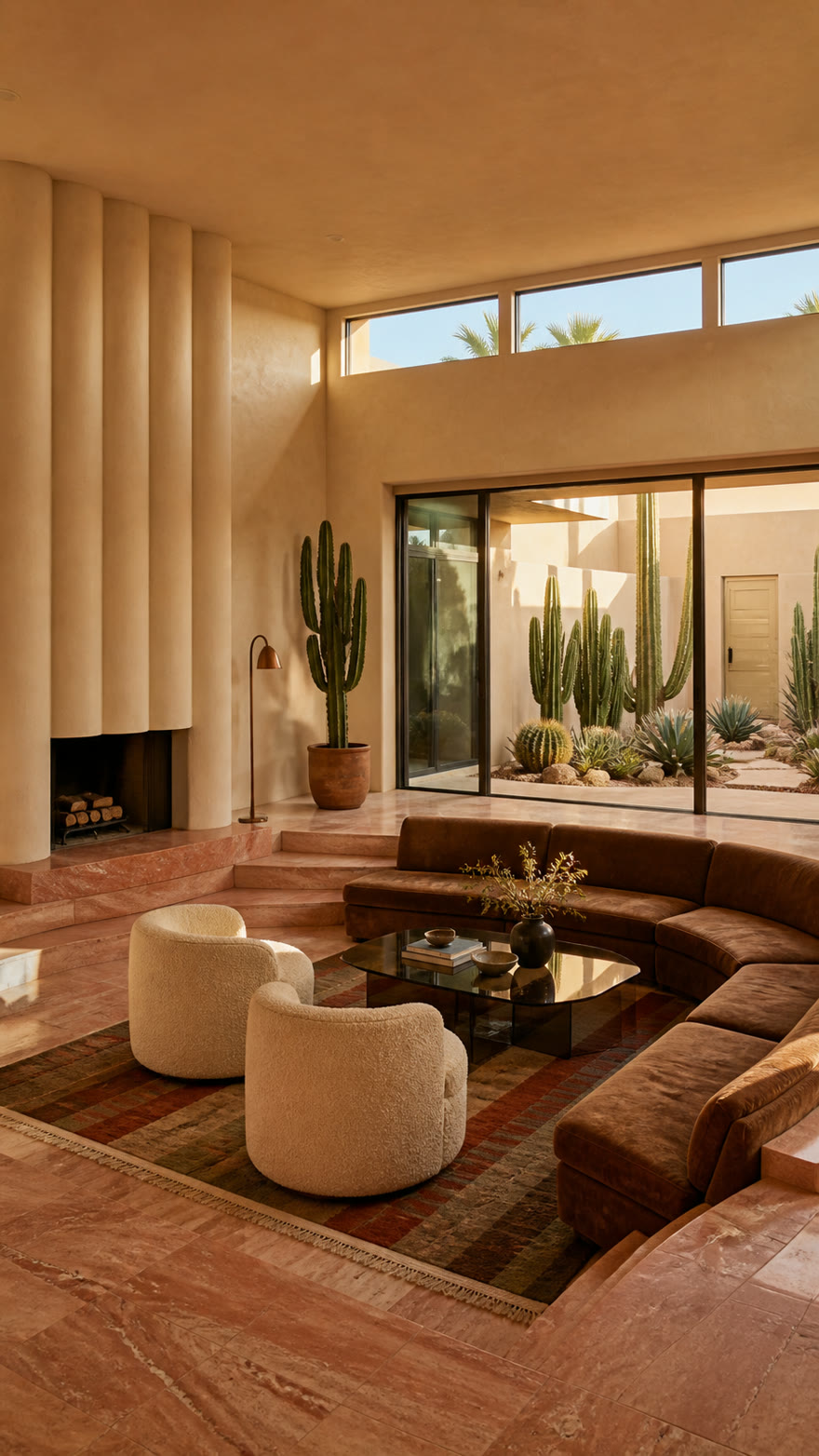
    Same lounge. Virtually staged. Now in motion.

    ADD FURNITURE.
    THEN MOVE IN.

    Virtually stage that exact room, then generate a camera push-in through the furnished space.

  3. 03 / THE FINISHED EDIT
    Sunlit Pop · 6 clips · 23.8 seconds

    MAKE THE
    FINAL CUT.

    See that furnished room as shot 03, alongside a house aerial and four more clips, cut together with music. Pick a template or let all four play in turn.

    Vocal pop · Three-frame opening · Staggered panel wipes

    Four edits, playing one at a time. Turn on sound to hear the difference.

    Compare all four edits ↓

AI-generated demonstration spaces and virtual staging. The final film is an illustrative six-shot concept edit.

Virtual staging, then camera motion

EMPTY ROOM.
FULL POTENTIAL.

Show how a space could feel. Add furniture to an empty room, then take viewers through the furnished result.

01 / DRAG TO COMPAREEmpty → furnished
Desert lounge with virtual furniture
The same desert lounge without furniture
Empty roomVirtually staged
↔
Move the divider. Same room, a new sense of possibility.
02 / WATCH THE TRANSFORMATIONFurnished → in motion
Desert lounge · 9-second transformation & walkthrough

ONE ROOM.
MORE WAYS TO MOVE.

One photo. Three generated camera moves.
Play a film to see the difference.

01

Push In

A closer look. One smooth move into the room.

02

Push In + Pedestal Up + Tilt Down

Move forward, rise above the furniture, then look down into the space.

03

Truck Left + Pan Right + Push In

Slide left while turning right and moving closer.

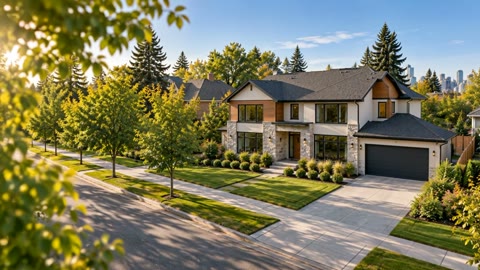
DRONE FOOTAGE
FOR ANY PROPERTY.

Start with an exterior photo.
Create an AI aerial-style reveal or a day-to-dusk transformation.

01

Push Out + Pedestal Up + Tilt Down

Pull back and rise above the property, with timelapse cloud movement.

02

Day to dusk

Take the same exterior from daylight to an evening glow.

AI-generated demonstration footage from property photos. These aerial-style examples are generated, rather than filmed by a drone. Review every result before publishing.

Make your own camera combination ↗

The AutoCut listening room

SIX IMAGES.
FOUR DIFFERENT VIBES.

One set of rooms. Four ways to tell the story: reverse zooms, three-frame layouts, rotating cubes and album pages. Pick an edit and turn on the music.

The starting point6 sample images → moving clips → one finished edit
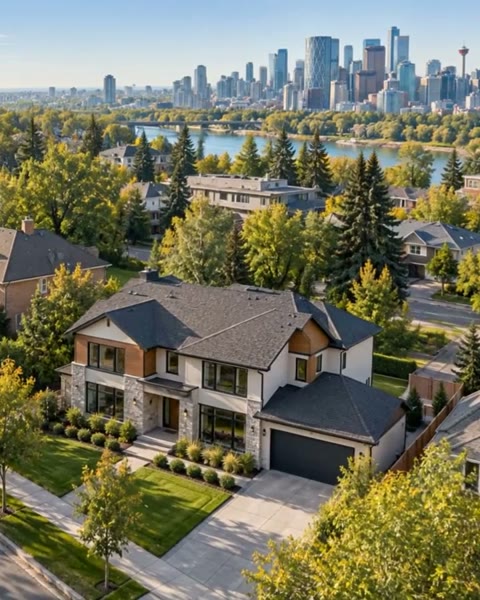
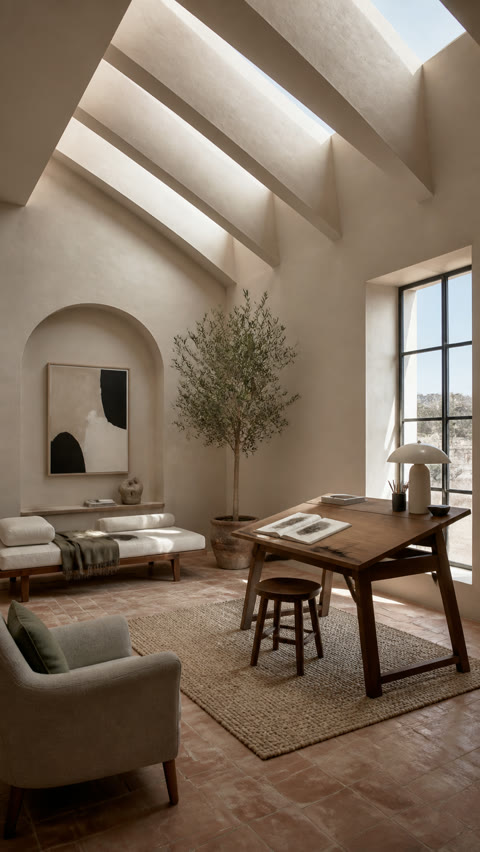
Sample input 1: House aerial
01House aerial
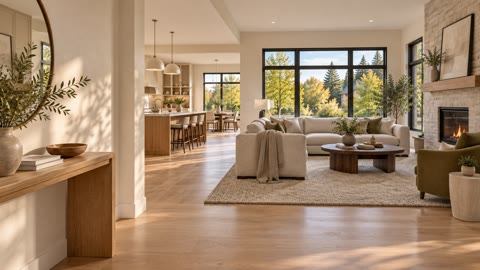
Sample input 2: Living space
02Living space
Sample input 3: Desert lounge
03Desert lounge
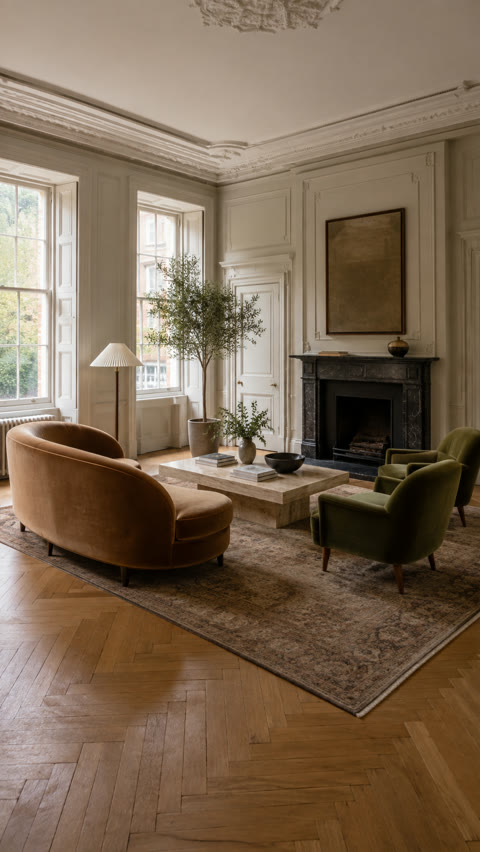
Sample input 4: Classic parlor
04Classic parlor
Sample input 5: Artist studio
05Artist studio
Sample input 6: After dark
06After dark
Sunlit PopConcept edit · AI-generated sample spaces
CHOOSE YOUR EDIT4 EDITS · ONE AT A TIME

Soundtrack: Summer Adventures

Four edits, playing one at a time. Turn on sound to hear the difference.

Your photos.
Your next cut.

AutoCut gives your generated clips a starting edit. Choose a template and music, then refine the result in Studio.

Explore AutoCut in Studio ↗
About these demos & music credits +

These illustrative edits combine six AI-generated clips from different demonstration spaces. They are not a tour of a single real listing. Sunlit Pop’s three-frame layout and transitions are available in AutoCut and reusable templates. Choose music in the editor; the vocal soundtrack heard here remains exclusive to this landing demo.

“Summer Adventures” by u_1tlkhq87qk on Pixabay, used under the Pixabay Content License. “Beauty Flow” and “Dream Culture” by Kevin MacLeod, licensed under CC BY 4.0. Music excerpted, normalized and faded. Rewind Rush plays selected shots forward, slows into the turn, then reverses the same footage with an accelerating zoom-out. Music stays forward. Rewind Rush uses “Open House Rush”, supplied by Don for ReelTours (embedded artist credit: incomparablerecorders414). The same template and soundtrack are available in AutoCut → Featured. Quiet Luxury uses Page Flip by qubodup (CC0), synchronized to each album turn. Selective speed ramps and original ReelTours air-sweep accents follow the musical edits. Full credits.

Open each finished film: Sunlit Pop · Quiet Luxury · After Hours · Rewind Rush

ReelTours plans

PICK YOUR PACE.
THEN PRESS PLAY.

Start without a monthly subscription, or get a regular supply of credits for your listings. Monthly plans are priced in Canadian dollars. Choose CAD or USD for extra credit bundles in your account.

Create when you need it.

Pay As You Go

CA$0/ month

  • Buy credits when you need them
  • 5 included exports / month
  • Watermarked exports
  • Up to 768p video
  • Virtual staging in Photo Lab
Staging from0.25 credits / image

10 extra credits: CA$29 / US$20

See Pay As You Go ↗
A lighter listing schedule.

Starter

CA$29/ month

  • 11 generation credits / month
  • 10 included exports / month
  • No watermark
  • Up to 768p video
  • Virtual staging in Photo Lab
Staging from0.15 credits / image

10 extra credits: CA$22 / US$15

See Starter ↗
More room to create.

Basic

CA$49/ month

  • 21 generation credits / month
  • 10 included exports / month
  • No watermark
  • Up to 768p video
  • Virtual staging in Photo Lab
Staging from0.15 credits / image

10 extra credits: CA$18 / US$12

See Basic ↗

What does a credit cover? A standard 6-second, 768p clip currently uses 1 credit. Other models, resolutions and durations can cost more. Staging uses credits too, with the rate depending on your plan and image model.

Exports & rollover. Exports above your monthly allowance cost 1 credit each. Eligible unused credits roll over for up to 90 days. Plan details and checkout are available in your account.
Pricing checked October 8, 2026 against the ReelTours catalog. View current plans and credit bundles ↗

Before your first take

A few good
questions.

Everything starts with the photos you already have.

How do photos become a real estate video?+

Upload your property photos, generate moving clips, then arrange your shots with music and titles. Review the finished edit before exporting.

Can I use photos from my current listing?+

Yes. Use listing photographs you own or have permission to use. Start with clear, well-lit images that accurately represent the property.

Can I stage an empty room first?+

Use Photo Lab to explore virtual staging before creating a video. Review every result and clearly disclose virtual changes when you publish.

Can I change the edit?+

You can refine shot order, pacing, music and titles in the editor. Preview the result and keep the version that fits your property.

Where can I find the current plans?+

Compare the plans above, then view current availability and credit bundles in your account. Generation and export options depend on your plan.

Try one listing without an account. Pay once to generate; no subscription required.

Start with a photo.
Make it a film.